


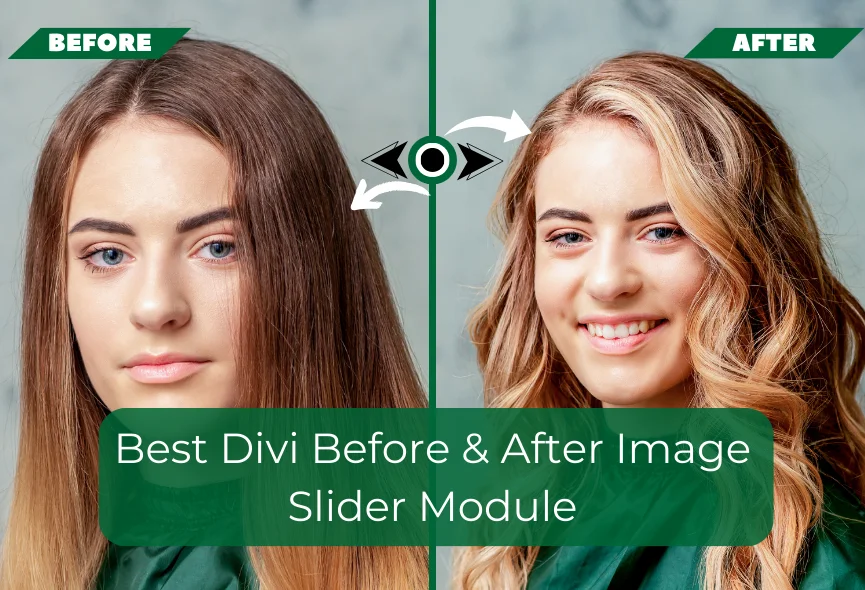
Everyone loves visual presentations. It grabs attention and tells a story faster than words. If an image is worth a thousand words, then a comparative image is worth millions. It instantly showcases transformation, improvement, or change. You can quickly create interactive image comparisons directly within your Divi website. Viewers can easily see the difference between two images and move the slider to get information.
This module is an excellent solution for various websites. Photographers can showcase their editing skills or raw images. Construction companies can reveal project progress. Even, e-commerce stores can use it to highlight product features and many more. Whether you are a business owner, developer, marketer, or personal user, Divi Before and After slider is important to highlight your services.
In this blog, I will explore the best before & after slider module and discuss its features, benefits, and how it can improve your website. So, let’s dive into the details.
What is Divi Before & After Slider Module?
Divi Before & After Image Slider Module is a handy tool for Divi websites. It allows you to place two images side-by-side with a draggable slider in the middle. When you move the slider, you can see the differences or similarities between the two images. One of the main advantages of a before-after slider is visibility. It’s great for showing how something has changed, such as a before-and-after photo or a comparison between two products.

How to Choose the Best Before & After Image Slider?
You will find many image sliders online for Divi websites. The best module depends on your specific needs and preferences. We have done a lot of research and found that “Divi Before After Slider TNC” is one of the best before-after image slider for Divi website. When choosing a module you need to consider ease of use, features, reviews, customization options, and cost. You can do your research and compare this module with its competitors to get the best results.
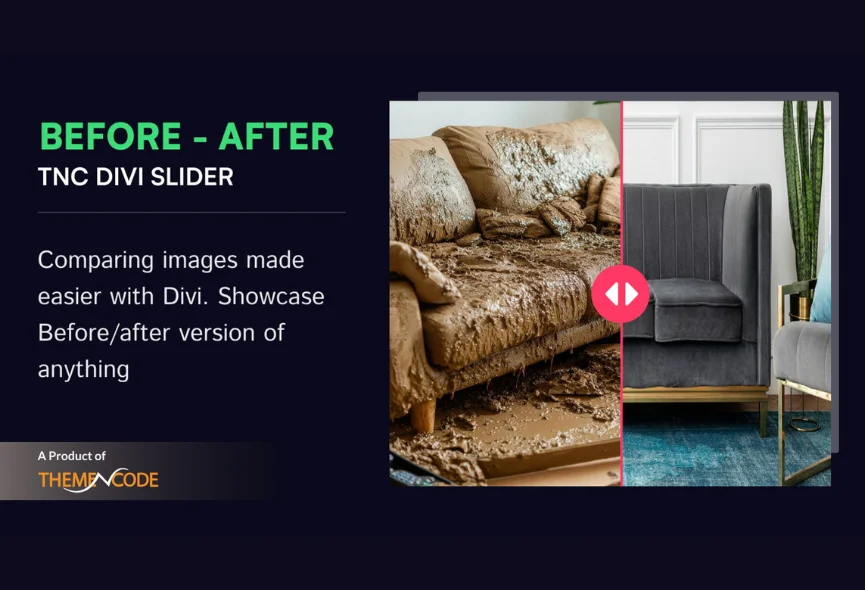
Features of Divi Before After Slider TNC
Responsive Design: Divi Before After Slider TNC ensures your comparisons look great on any device, from desktop computers to tablets and smartphones.

Customization Options: You can customize the look of your slider to match your brand and website style. You can customize design elements to create a cohesive look.
Integration: Quickly add before-after sliders to your Divi layouts with drag-and-drop functionality, which does not conflict with others.

User-friendly Interface: The user-friendly interface lets you quickly set up and customize your image comparisons without technical expertise.
Performance Optimization: This module is designed to deliver fast loading times and smooth interactions for a positive user experience.
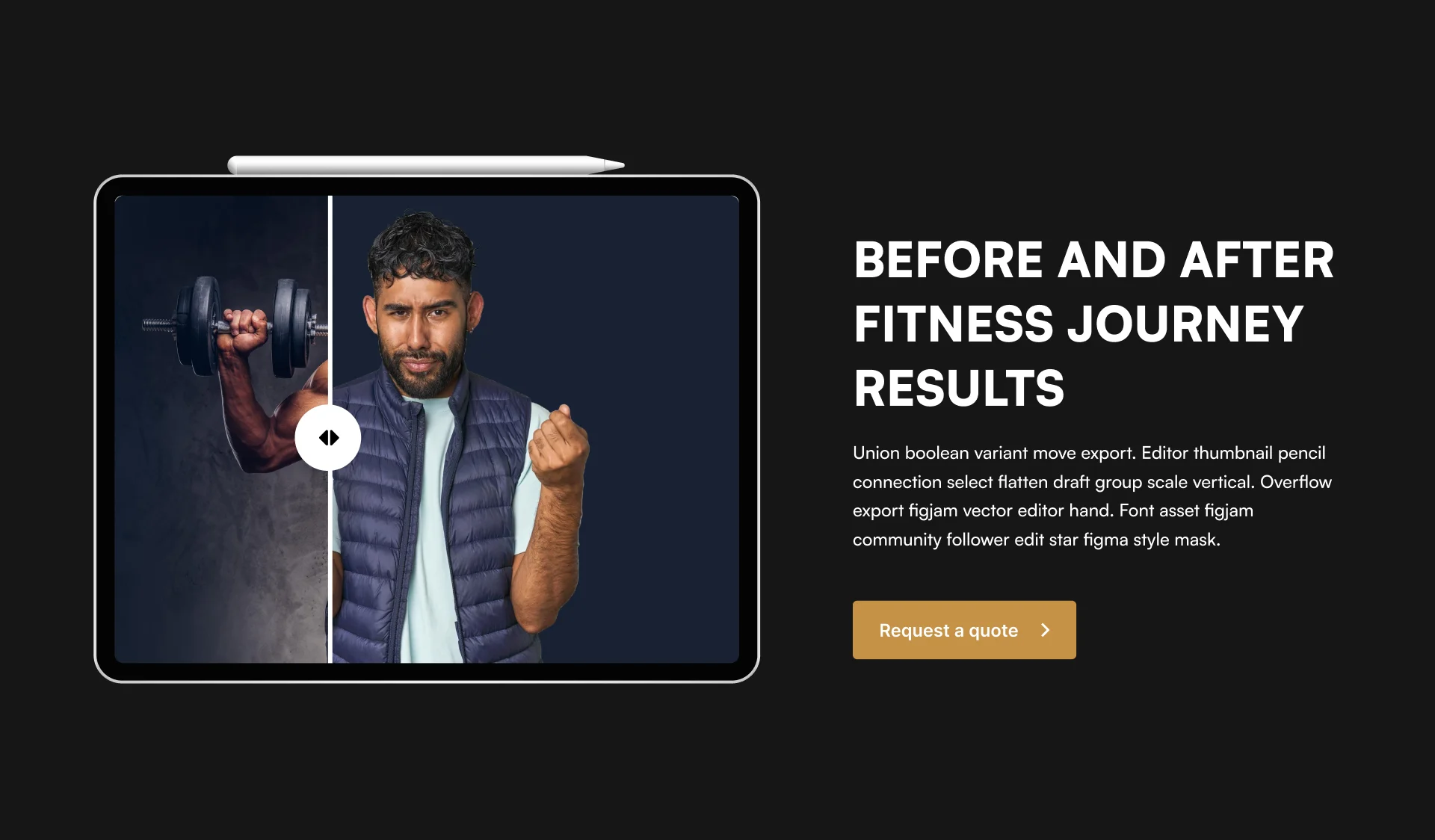
Support & Updates: When you choose Divi Before After Slider TNC, you can access exceptional support from the ThemeNcode support team.
How to Get Divi Before After Slider TNC
You can quickly find and install this module just like any other plugin. Let’s see the step-by-step instructions:
- Enter the elegantthemes marketplace or Click Here.
- Search for “Divi Before After Slider TNC” in the search bar.
- Once you find the plugin, click “Buy Now”.
- Once you have downloaded the plugin, log in to your website admin panel.
- Select the plugin zip file you downloaded and install it.
- Go to Plugins in your WordPress admin panel and activate the plugin.
How To Use Divi Before After Slider TNC?
Once you install the Divi Before After Slider TNC, it integrates with your Divi Builder interface. Here’s how to do it:
- Open Divi Builder: Create a new page or edit an existing one.
- Locate the Module: Find the “Divi Before After Slider TNC” section in the Divi Builder sidebar.
- Upload Images: Add your before and after images to the module’s settings. Try to add high-quality images.
- Customization: You can adjust the slider’s appearance, transition effects, and other settings to create the perfect visual comparison.
- Publish: Save and publish your page to showcase your stunning before-after comparisons.
Tips For Creating Perfect Before & After Sliders
Use High-Quality Images: Make sure your images are clear, high quality and of the same size and resolution.
Highlight Key Difference: Choose images that clearly show the change or transformation you want to showcase.
Keep it Simple: it’s important to keep things clean and straightforward. Avoid adding unnecessary elements that might distract the viewer from the core message.
Provide Context: Add captions or descriptions to explain the comparison. No need for anything else.
Uses of Divi Before & After Slider Module
Divi before & after slider module is suitable for any website. It can significantly improve user experience and engagement on your Divi website. You can use it for different purposes:
- Real Estate
- E-commerce
- Design
- Photography
- Education
- Marketing and Advertising
- Travel and Tourism
- Gaming
- Fitness and Health
- Personal Projects
- Healthcare
Why Choose Divi Before After Slider TNC?
This is a popular choice for website owners who want to showcase visual changes on their Divi websites. Divi Before After Slider TNC is designed to improve the functionality of your website. You will get multiple sliding features. It supports various image formats and ensures flexibility and smooth conversion. Here are some compelling reasons to choose this module:
- User-Friendly Interface
- Versatile Applications
- Customization Options
- Responsiveness
- Lightweight & Fast
- Regular Updates
- Affordable Pricing
Conclusion
After all the discussion, we can say that Divi Before After Slider TNC is the best image slider module for Divi website. It allows you to create engaging and interactive image sliders that grab attention and convey information effectively. It’s a well-rounded and feature-rich slider that offers a great balance of functionality, customization, and affordability.
Visitors will have a minimal viewing experience across all devices. This module is ideal for everyone from experienced developers to beginners. So, give it a try and see how it can improve the visuals of your Divi website.
Don’t forget to follow ThemeNcode for exciting updates and more upcoming products.