


Visual comparison is the best way to highlight transformations, differences, or improvements in any product or service. It will not only engage or attract your audience but also provide valuable information. If you are a Divi user, this blog will help you create an image comparison slider for your website. Whether you are a business owner, developer, marketer, or personal user, an image comparison slider is important to highlight your services. This solution is also easy to use and very eye-soothing for your visitors.
A good image can express a thousand words, but a comparison can highlight a thousand insights. The before and after image comparison slider allows you to showcase side-by-side comparisons of your images. Viewers can easily see the difference between your product images and move the slider to get accurate information. Many ways to create an image comparison slider and the best way is to use a Divi module.
In this blog, I will show you how to create before and after image comparison sliders on your Divi website.
Example of Before and After Image Comparison Slider
An image comparison slider is a web element that allows users to view two images side-by-side and compare them with a divider. As you move the divider, you can see the differences or similarities between the two images. This interactive feature helps showcase before-and-after scenarios, product comparisons, or highlighting specific details.

Choosing the Best Image Comparison Divi Module
The ideal image comparison module for you depends on your specific requirements and preferences. When selecting a module, consider user-friendliness, available features, customization options and cost. Additionally, reading reviews from other users or watching module tutorials can provide valuable insights.
You will find many options available online. We have done a lot of research and found that “Divi Before After Slider TNC” is the best before-after image comparison slider for the Divi website. To make the best decision, research the module and compare it to similar options. Consider factors like ease of use, features, customization options, and cost.
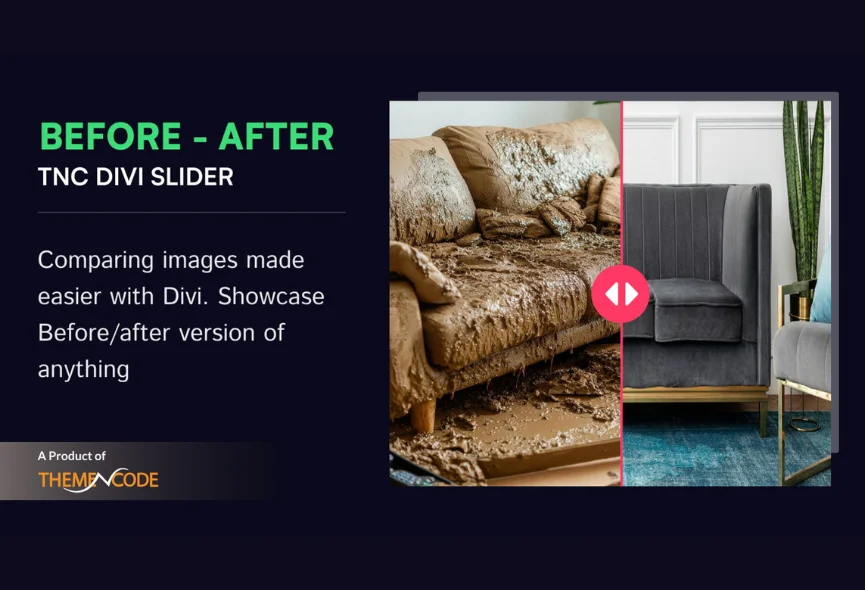
Main Features of Divi Before After Slider TNC
Customization: You can easily customize the look of your slider to match your brand and website style. You can customize design elements to create a perfect look.

Responsive Design: Divi Before After Slider TNC ensures your comparisons look great on any device, from desktop computers to tablets and smartphones.
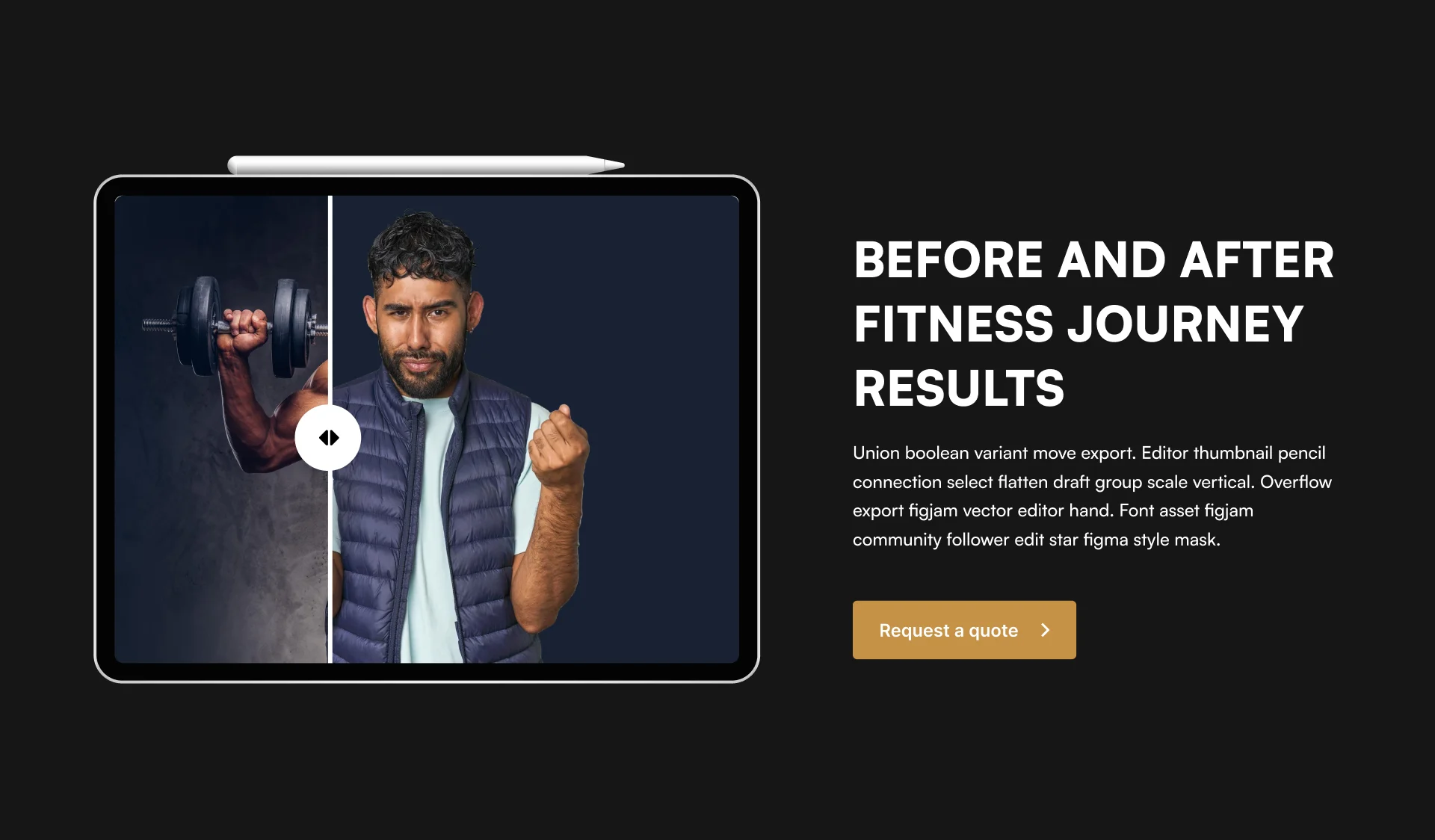
Integration: Quickly add before-after sliders to your Divi layouts with drag-and-drop functionality, which does not conflict with others.

User-friendly Interface: The user-friendly interface lets you quickly set up and customize your image comparisons without technical expertise.

Support & Updates: When you choose Divi Before After Slider TNC, you can access exceptional support from the ThemeNcode support team.
How to Find Divi Before After Slider TNC
You can install this add-on easily, just like any other plugin. Let’s explore the step-by-step process:
- Enter the elegantthemes marketplace or Click Here.
- Search for “Divi Before After Slider TNC” in the search bar.
- Once you find the plugin, click “Buy Now”.
- Once you have downloaded the plugin, log in to your website admin panel.
- Select the plugin zip file you downloaded and install it.
- Go to Plugins in your WordPress admin panel and activate the plugin.
How To Use Divi Before After Slider TNC?
Once you install the Divi Before After Slider TNC, it integrates with your Divi Builder interface. Here’s how to do it:
Open Divi Builder: Create a new page or edit an existing one.
Locate the Module: Find the “Divi Before After Slider TNC” section in the Divi Builder sidebar.
Upload High-quality Images: Add your before and after images to the module’s settings. Try to add high-quality images.
Customization: You can adjust the slider’s appearance, transition effects, and other settings to create the perfect visual comparison.
Preview & Publish: Save and publish your page to showcase your stunning before-after comparisons.
Perfect Uses of Divi Before After Slider TNC
You can use this module for a wide range of purposes, including:
- Real Estate: Showcase property transformations before and after versions.
- E-commerce: Highlight product features or compare with different product versions.
- Design: Demonstrate design process and improvements.
- Photography: Compare original and edited photos.
- Education: Visualize historical events or scientific experiments.
- Marketing and Advertising: Show the success of marketing campaigns.
- Travel and Tourism: Compare destinations based on scenery, activities, or accommodations.
- Gaming: Allow players to compare different character skins or equipment options before purchasing.
- Fitness and Health: Show before-and-after fitness transformations.
You can also use this module for any of your personal projects or wherever you want.
Conclusion
You can create beautiful image comparison sliders in Divi with Divi before Slider TNC. This module is easy to use, versatile, and customizable. With some creativity, you can improve your website’s look and provide a more engaging experience for your visitors. Let your creativity shine as you experiment with different interactive elements.
This module provides flexibility by supporting different image formats. Visitors will get a perfect viewing experience across all devices whenever you present your content. Divi before Slider TNC ensures responsive design and powerful features. This module is ideal for anyone, from seasoned developers to beginners.
Don’t forget to follow ThemeNcode for exciting updates and more upcoming products.





0 Comments