

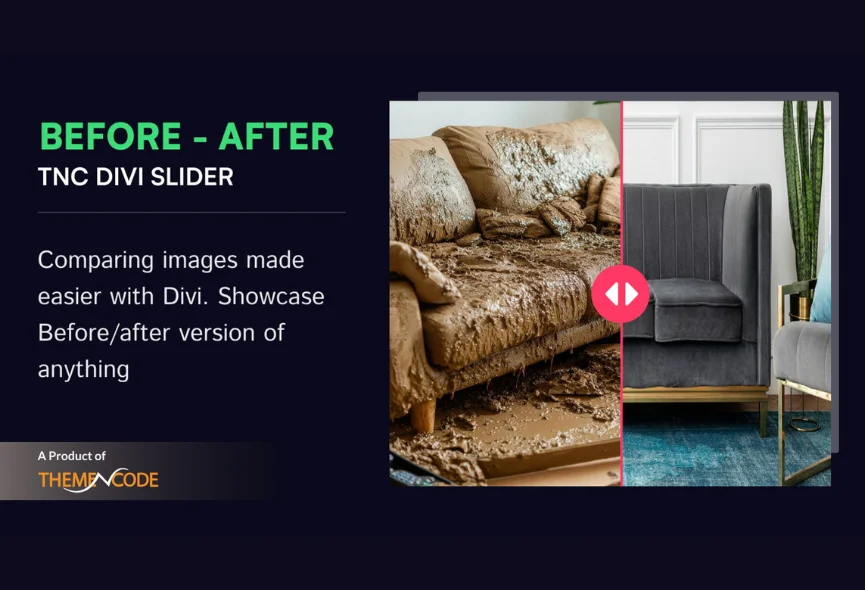
If you want to compare the previous and next versions of an image with a perfect sliding feature, you are in the right place. ThemeNcode is proud to announce the official release of Divi Before After Slider TNC, which was featured on Elegant Themes Divi Marketplace. This is the best way to show the difference between two images. You can perfectly showcase your work results, photo retouching, various business services, and more.
Divi Before After Slider TNC ensures smooth transitions to get the best visual experience. You can highlight the differences by comparing them side by side and provide a clear understanding of your message. Whether you are a designer, marketer, photographer, or business owner, this powerful module is valuable for improving your website. This module ensures multiple sliding orientations for an image.

Apart from this, we have many more Divi products. If you are interested, you can click here to see all.
Core Functionality of Divi Before After Slider TNC
Intuitive Interface: The user-friendly interface lets you quickly set up and customize your image comparisons without technical expertise.
Responsive Design: Ensure your comparisons look great on any device, from desktop computers to tablets and smartphones.
Customization Options: Tailor the appearance of your sliders to match your brand and website’s style. You can customize design elements to create a cohesive look.
Performance Optimization: This module is designed to deliver fast loading times and smooth interactions for a positive user experience.
Integration: Easily add before-after sliders to your Divi layouts with drag-and-drop functionality.

Where To Find Divi Before After Slider TNC?
Finding and installing this addon is as easy as installing any other plugin. Let’s see the step-by-step instructions:
- Enter the elegantthemes marketplace or Click Here.
- Navigate to the Divi marketplace.
- Search for “Divi Before After Slider TNC” in the search bar.
- Once you find the plugin, click “Buy Now”.
- Once you have downloaded the plugin, log in to your website admin panel.
- Select the plugin zip file you downloaded and install it.
- Go to Plugins in your WordPress admin panel and activate the plugin.
How To Use Divi Before After Slider TNC?
Once you install the Divi Before After Slider TNC, it integrates with your Divi Builder interface. Here’s how to do it:
- Open Divi Builder: Create a new page or edit an existing one.
- Locate the Module: Find the “Divi Before After Slider TNC” section in the Divi Builder sidebar.
- Upload Images: Add your before and after images to the module’s settings.
- Customize: Adjust the slider’s appearance, transition effects, and other settings to create the perfect visual comparison.
- Publish: Save and publish your page to showcase your stunning before-after comparisons.
Why Choose Divi Before After Slider TNC?
This module can improve your website’s effectiveness. This module ensures you to create beautiful before-and-after comparisons. It is designed to deliver fast loading times and smooth interactions. You can easily drag and drop images and adjust slider settings and appearances.

When you choose Divi Before After Slider TNC, you can access exceptional support from the ThemeNcode support team. Our dedicated professionals are available to answer your queries and guide you gracefully. This simple integration process lets you quickly incorporate stunning visual comparisons into your website.
Versatile Use of Divi Before After Slider TNC
Use it for a wide range of purposes, including:
- Real Estate: Showcase property transformations before and after renovations.
- E-commerce: Highlight product features or compare different product versions.
- Design: Demonstrate design process and improvements.
- Photography: Compare original and edited photos.
- Education: Visualize historical events or scientific experiments.
- Marketing and Advertising: Show the success of marketing campaigns.
- Create excitement for new product launches.
- Travel and Tourism: Compare destinations based on scenery, activities or accommodations.
- Gaming: Allow players to compare different character skins or equipment options before purchasing.
- Fitness and Health: Show before-and-after fitness transformations.
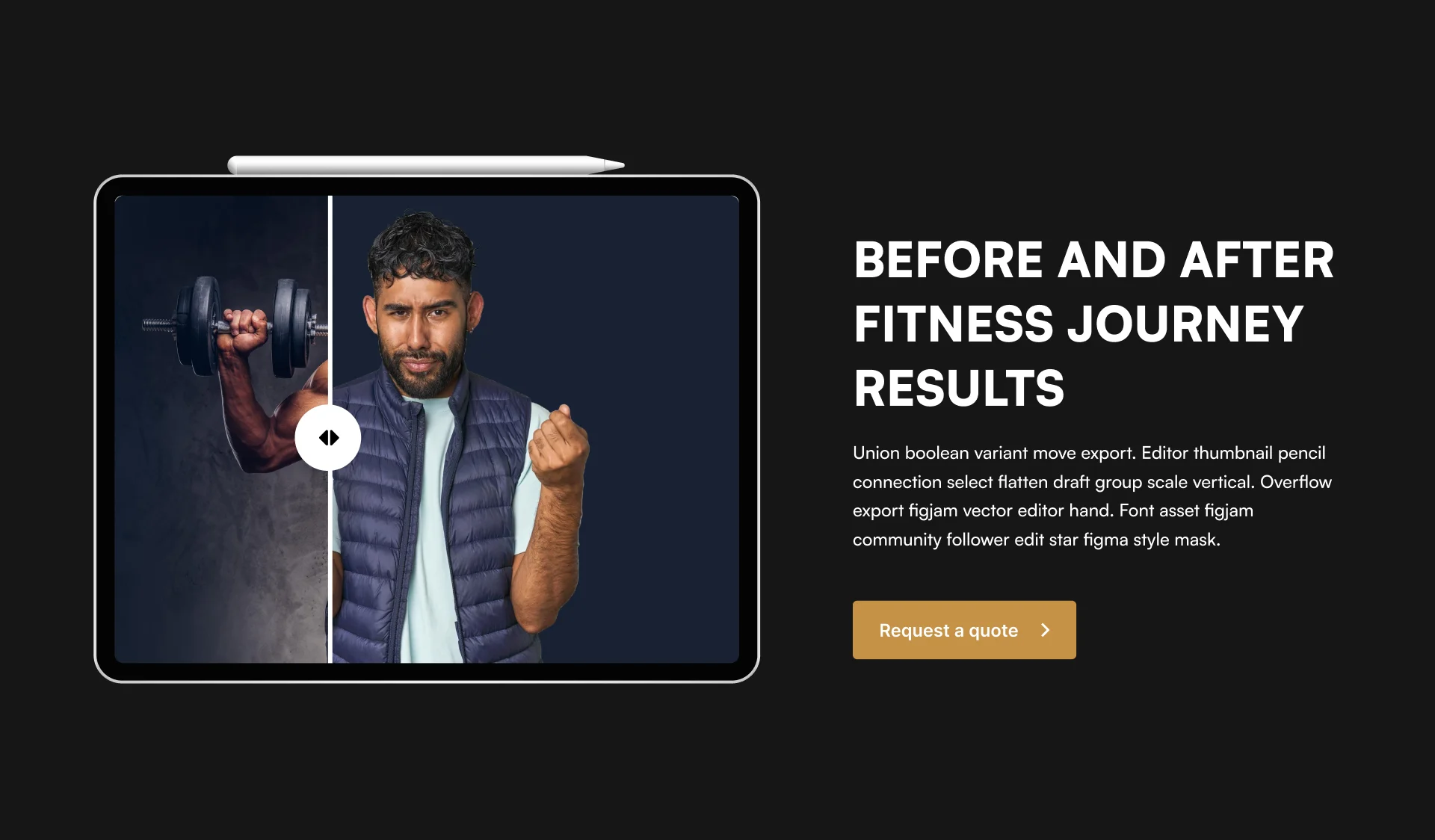
You can also use this module for any of your personal projects or wherever you want.
Conclusion
Divi Before After Slider TNC is an impressive image module for Divi professionals. It offers unparalleled ease of use, versatility, and customization. So you can display before and after versions of images on your website. Its intuitive design and powerful features, this module is perfect for anyone, from seasoned developers to beginners.
User can control Divi Before After Slider TNC, and the measurement of the following image can be different. Its responsive design ensures a perfect viewing experience across all devices, and its support for various image formats provides flexibility when presenting your content.
Don’t forget to follow ThemeNcode for exciting updates and more upcoming products.





0 Comments