


Are you a Divi user looking to create beautiful, full-page scrolling websites? An excellent first impression is essential for any website. ThemeNcode is proud to announce the official release of TNC Divi FullPage Piling Module, featured on Elegant Themes Divi Marketplace. This unique Divi module ensures you create professionally full-page scrolling experiences. This module ensures perfect visibility and contains all page content within a single browser window. This is great for simplifying the user experience and attracting more traffic to your website.
TNC Divi FullPage Piling Module ensures a perfect viewing experience across all devices. It provides flexibility and smooth transitions and adds a touch of elegance to your website content. You can customize scrolling effects to suit your needs and take control over the look and feel of your full-page scrolling webpage. Whether you are a developer, marketer, or business owner, TNC Divi FullPage Piling Module is a perfect solution for creating a full-page scrolling website.
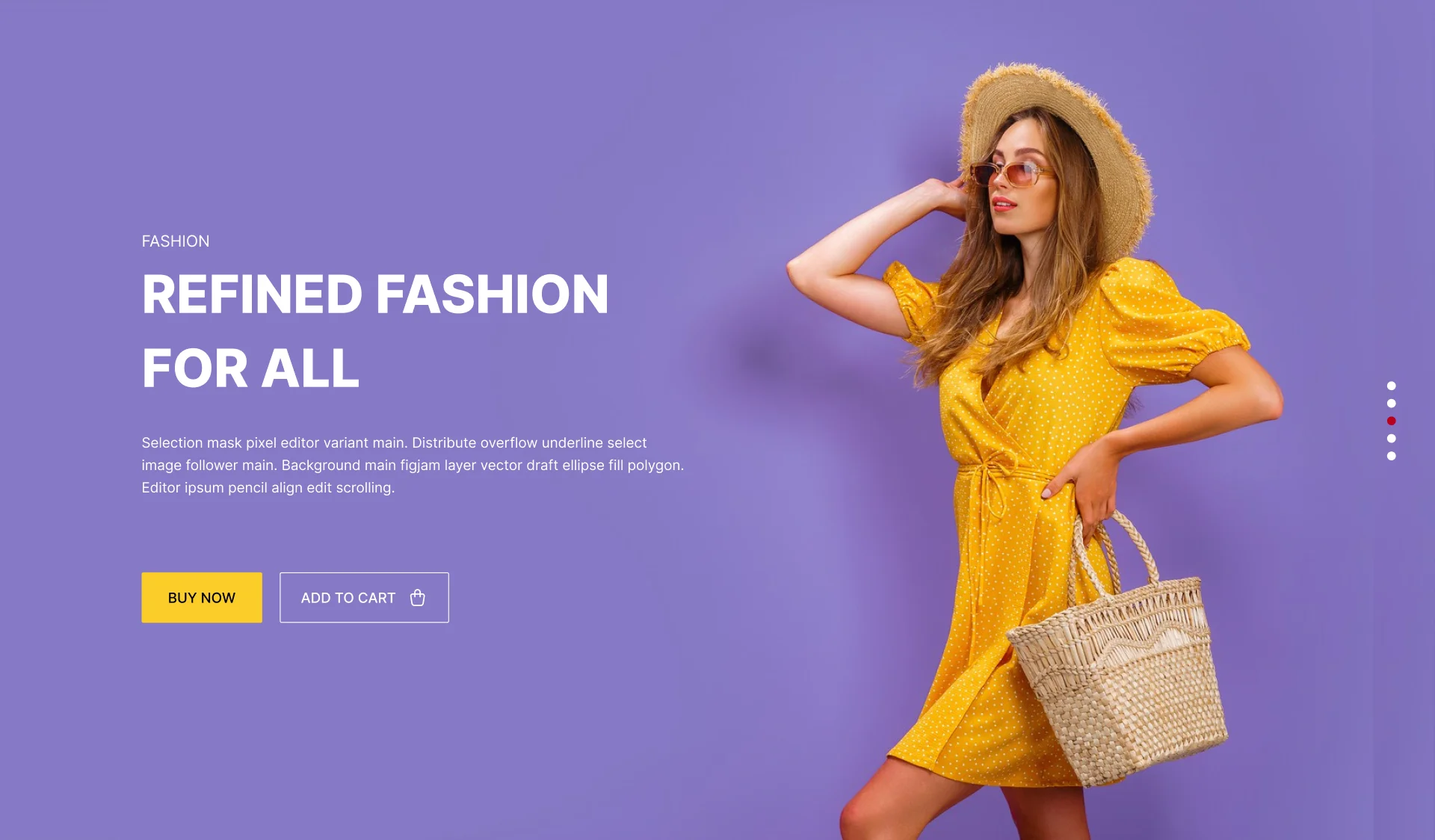
Apart from this, we have many more Divi products. If you are interested, you can click here to see all.
Core Functionality of TNC Divi FullPage Piling Module
- Multiple Full-Page Sections: You can easily add as many full-page sections as you need to your website.

- Page Options: You will find many options in this module, such as Title, Description, Button, and Social Share.
- Slide Movement: TNC Divi FullPage Piling Module supports vertical and horizontal slide movement.

- Scrolling Effect: You can choose to scroll or click navigation for scrolling.
- Scrolling Speed: You can adjust the scrolling speed to create the perfect user experience.

- Responsive Design: It ensures your website looks great on any device, from desktop computers to tablets and smartphones.
- Integrate with Other Divi Modules: Combine the FullPage Piling Module with other Divi modules to create unique and creative designs.
Where To Find TNC Divi FullPage Piling Module?
Finding and installing this addon is as easy as installing any other plugin. Let’s see the step-by-step instructions:
- Enter the elegantthemes marketplace or Click Here.
- Navigate to the Divi marketplace.
- Search for “TNC Divi FullPage Piling Module” in the search bar.
- Once you find the plugin, click “Buy Now”.
- After downloading the plugin, log in to your website admin panel.
- Select the plugin zip file you downloaded and install it.
- Go to Plugins in your WordPress admin panel and activate the plugin.
How To Use TNC Divi FullPage Piling Module?
Once you install TNC Divi FullPage Piling Module, it integrates with your Divi Builder interface. Here’s how to do it:
- Open Divi Builder: Create a new page or edit an existing one.
- Locate the Module: Find the “TNC Divi FullPage Piling Module” section in the Divi Builder sidebar.
- Customize: Adjust the scrolling effect, speed, slide movement, and other settings to create a perfect user experience.
- Publish: Save and publish your page to showcase your beautiful full-page scrolling website.
Benefits of TNC Divi Full-Page Scrolling Module
TNC Divi FullPage Piling Module offers several advantages for both website owners and users:
User Experience: Removing distractions like page loading times and navigation bars can provide a more enjoyable browsing experience.
Storytelling: This design technique is perfect for telling stories visually, as it allows for the creation of immersive scrolling experiences.

Increased Engagement: This module eliminates the need for clicks and page loads so that websites can keep visitors focused on the content for extended periods.
Modern and Sleek Design: This approach is associated with a modern and minimalist design, which can help create a professional first impression.
Versatile use of TNC Divi Full-Page Scrolling Module
TNC Divi FullPage Piling Module provides creative possibilities for your Divi websites. Here are some compelling use cases to inspire your next project:

- Product Launches: Create an engaging product launch experience by guiding users through full-screen sections.
- E-commerce Website: You can highlight special offers and promotions in full-screen sections and use smooth transitions to guide users.
- Educational Website: Showcase course information, faculty profiles, and student testimonials.
- Property Showcases: Highlight the unique features of each property with full-screen images and videos.
- Brand Stories: Tell visitors about your brand’s history, mission, and values through a stunning, full-page scrolling narrative.
- Portfolio Website: Create your portfolio with a full-screen section that can highlight a specific project with images, descriptions, and client testimonials.
- Event Website: You will create a more exciting event using full-screen sections to showcase event details, speaker information, and venue details.
- Photography website: Showcase your portfolio with full-screen images, smooth transitions, and minimal distractions.
Why Choose TNC Divi Full-Page Scrolling Module?
This module is highly customizable and can significantly improve your website design. TNC Divi Full-Page Scrolling Module integrates with Divi builder, making it simple to create stunning full-page scrolling effects without any difficulties. The module is designed to deliver fast loading times and smooth interactions. You will get a clean and modern design so that your website looks professional and up-to-date.
When you choose the TNC Divi Full-Page Scrolling Module, you can access exceptional support from the ThemeNcode support team. Our dedicated professionals are available to answer your queries and guide you gracefully. It will save you time and effort.
Conclusion
TNC Divi Full-Page Scrolling Module is essential for Divi users. This is the ultimate solution for creating modern, innovative, and unforgettable websites. This module ensures a user-friendly interface, customization options, and integration with the Divi. So you can dynamically display before and after versions of images on your website.
This module offers many benefits to highlight your website design and user experience. Whether creating a portfolio, showcasing a product launch, or telling a brand story, It should be a perfect choice. So don’t miss out on the opportunity to transform your Divi website.
Don’t forget to follow ThemeNcode for exciting updates and more upcoming products.





0 Comments