


Full-page scrolling provides a complete solution for your visitors. Imagine scrolling down an informative website and each section revealing itself as you scroll down the page. This ensures that all page content is contained within a single browser window. This is the magic of full-page scrolling. You can do it quickly on your Divi website. One of the main advantages of a full-page scrolling website is visibility.
Whether you are a developer, marketer, business owner or individual, a full-page scrolling experience will make your Divi website more functional. You will find many ways to make a full-page scrolling website in Divi, but the best way is to use a Divi module. It offers flexibility and smooth transitions and can customize scrolling effects as per your needs. It is perfect for simplifying the user experience and attracting more traffic.
In this blog, I will explain why you need full-page scrolling on your Divi website.
Benefits of Using Full-Page Scrolling Module
A full-page scrolling module can significantly improve the user experience and overall impact of your Divi website. Here are some key benefits:
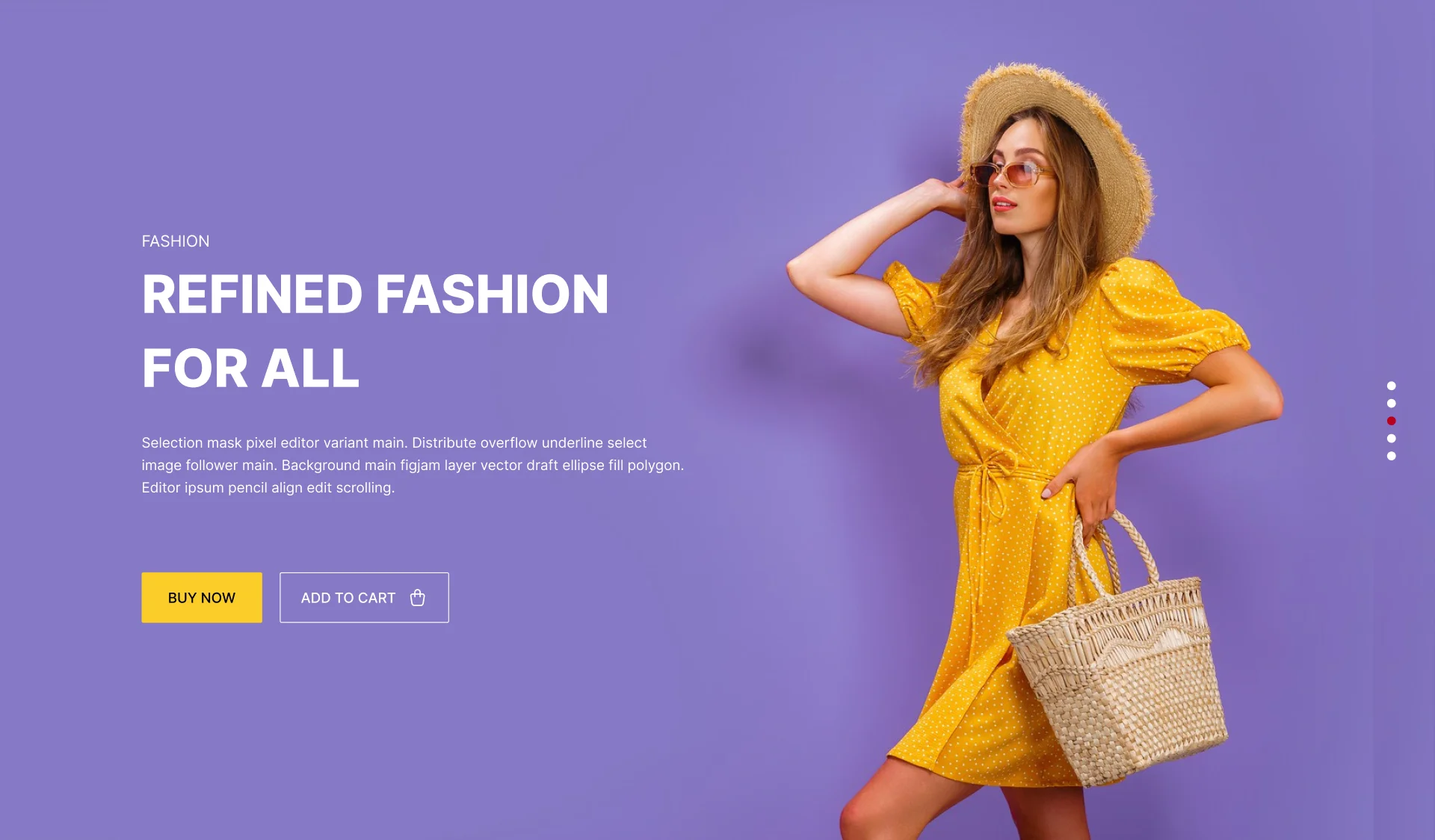
User Experience: Creates a more engaging and focused experience for your visitors.
Storytelling: This design technique is perfect for visual storytelling, as it allows for the creation of immersive scrolling experiences.
Modern and Sleek Design: It gives your website a perfect trendy look.
Increased Engagement: This keeps visitors on your website longer and reduces bounce rates.
Device Friendly: It provides the best scrolling experience on any device, such as desktop, laptop, or mobile.
Stronger Brand Identity: A full-page scrolling website creates a memorable brand experience that engages visitors automatically.
Versatile Use of Full-Page Scrolling Website
A full-page scrolling website provides creative possibilities for your Divi websites. Here are some compelling use cases to inspire your next project:

- E-commerce Website: You can highlight special offers and promotions in full-screen sections and use smooth transitions to guide users.
- Educational Website: Showcase course information, faculty profiles, and student testimonials.
- Real Estate Website: Highlight the unique features of each property with full-screen images and videos.
- Portfolio Website: Create your portfolio with a full-screen section that can highlight a specific project with images, descriptions, and client testimonials.
- Event Website: You will create a more exciting event using full-screen sections to showcase event details, speaker information, and venue details.
- Photography website: Showcase your portfolio with full-screen images, smooth transitions, and minimal distractions.
- Travel Agency website: Highlight your travel agency features with full-screen images and videos.
- Marketing Website: You can display your marketing material and promotions in full-screen sections to guide users.
How to Create a Full-page Scrolling Divi Website?
To create a full-page Divi website, you need to select a perfect module. When choosing a module, you must consider factors such as ease of use, features, customization options, and cost. You will find many options, but we recommend that “TNC Divi FullPage Piling Module” is an excellent solution. You can compare this module with its competitors to get the best results. Once you install the TNC Divi FullPage Piling Module, it integrates with your Divi Builder interface. Here’s how to do it:

- Open Divi Builder: Create a new page or edit an existing one.
- Locate the Module: Find the “Divi Before After Slider TNC” section in the Divi Builder sidebar.
- Customization: You can configure the options based on your needs and other settings to create the perfect visual comparison. You can adjust the scrolling effect, speed, slide movement, and other settings to create an ideal user experience.
- Publish: Save and publish your page to showcase your stunning before-after comparisons.
Why Should You Choose TNC Divi Full-Page Scrolling Module?
TNC Divi Full-Page Scrolling Module is highly customizable and can significantly improve your website design. You will get a clean and modern design so that your website looks professional and up-to-date. It is designed to deliver fast loading times and smooth interactions.

- Multiple Full-Page Sections: You can quickly add as many full-page sections as you need to your website.
- Page Options: You will find many options in this module, such as Title, Description, Button, and Social Share.
- Slide Movement: TNC Divi FullPage Piling Module supports vertical and horizontal slide movement.
- Scrolling Effect: You can choose to scroll or click navigation for scrolling.
- Scrolling Speed: You can adjust the scrolling speed to create the perfect user experience.
- Responsive Design: It ensures your website looks great on any device, from desktop computers to tablets and smartphones.
- Integrate with Other Divi Modules: Combine the FullPage Piling Module with other Divi modules to create unique and creative designs.
- Support & Updates: When you choose TNC Divi FullPage Piling Module, you can access exceptional support from the ThemeNcode support team.
Conclusion
If you want to create a modern, innovative, and memorable Divi website, a full-page scrolling experience is essential. The main concern is to select the appropriate module based on your needs. Whether creating a portfolio or showcasing a product launch, TNC Divi Full-Page Scrolling Module should be the perfect choice. This module ensures a user-friendly interface and many customization options.
After all the discussion, why you need full-page scrolling on your Divi website should be clear. It ensures many benefits to highlight your Divi website design and user experience.
Don’t forget to follow ThemeNcode for exciting updates and more upcoming products.