

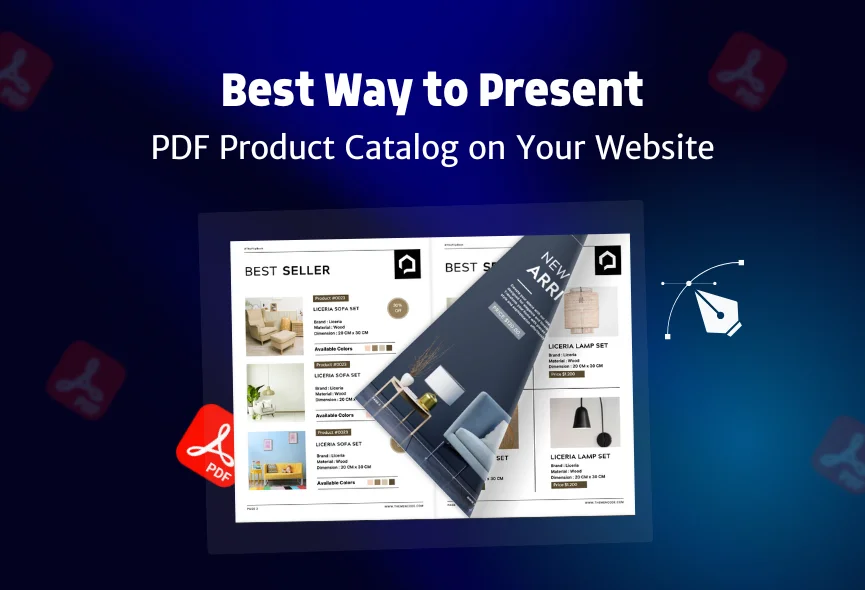
Have you ever clicked on a link to a catalog only to have to wait so long for it to download? Have you struggled to zoom in and navigate a PDF on a small screen? Product catalogs are still a great way to showcase your products. While online stores are important, PDF catalogs offer a consistent, portable, and printable way to share information. However, uploading a PDF to your website isn’t always the best approach. How you present that PDF can make a big difference.
If you properly optimize and display your PDF catalogs, you can avoid these problems and create a better experience. This means faster loading times, easier navigation, and a more professional presentation of your products.
In this blog, I will discuss how to make your catalogs more mobile-friendly, accessible, smooth experience, and the best way to display product catalogs online. These simple changes can turn your PDFs into a valuable marketing platform.
Table of Contents
Why Use PDF For Product Catalog?
Websites are great for interactive experiences, but PDFs still have important uses for product catalogs. They offer more convenience in product presentation. Let us explore some:
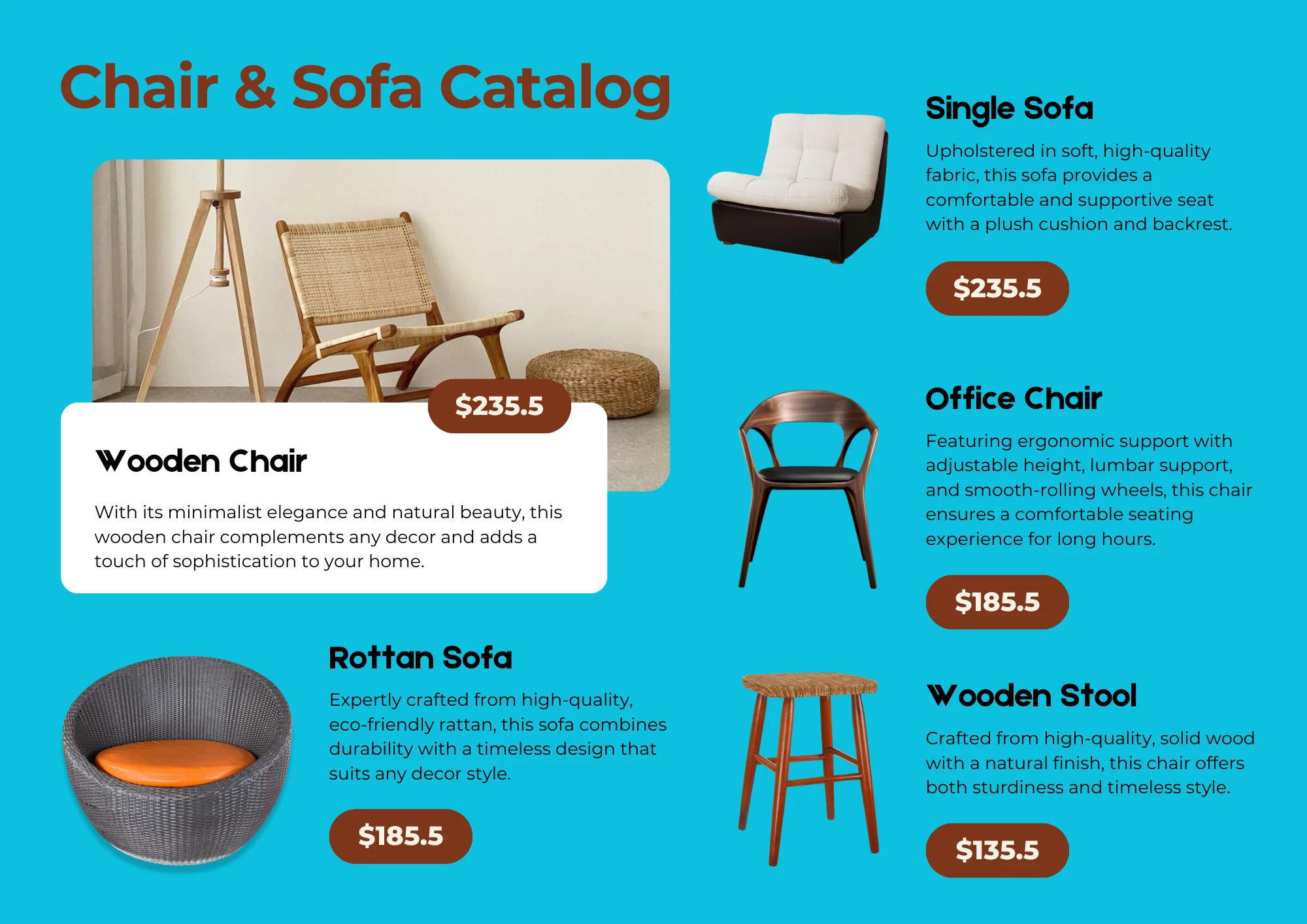
PDFs look the same everywhere: Whether someone opens your catalog on a computer, phone, or prints it, the design stays consistent. This keeps your brand looking professional.
People can view PDFs offline: Customers can download your catalog and view it anytime, even without the Internet. This is useful for people with limited internet access or when they are traveling. They can also easily share the downloaded file.
PDFs are easy to print: Many customers still like to print product information. PDFs are designed for printing, so they look great on paper.
PDFs are good for long-term storage: PDFs, especially those using the PDF/A standard, are great for archiving. This means your catalogs will stay readable even as technology changes.
You control how the content looks: PDFs give you more control over how your information is presented. You can even prevent people from copying text or printing if needed.
So, while websites are great for interactivity, PDFs offer consistency and content control. They are valuable especially when used as well as a good website.
Problems With Online PDFs
Just uploading a PDF is not always ideal. Large PDF files download slowly. This is especially happening for those who use phones with slow internet. PDFs don’t automatically adjust to fit small phone screens. This means people have to zoom in and scroll around a lot to read them, making them difficult to view on mobile devices. PDFs also lack interactivity. They don’t have clickable links that take you to other pages or products.
This makes it harder for users to find related information. Search engines also have trouble reading the text inside PDFs. This makes it more difficult for people to find your catalog using online searches. Finally, updating PDFs can be a hassle. If you need to make a change, you have to create a new PDF file and upload it, which takes extra time.
Best Ways to Present PDF Catalogs
Let’s explore how to effectively present PDF catalogs on your website:
- Compress your files: Compress your PDF to make it smaller without losing too much quality.
- Offer a Download Link: Provide a clear download link. Use text like “Download Catalog.”
- Embed or Use a Flipbook: Instead of just a download, embed the PDF as a flipbook or use a PDF viewer. This lets people preview it on your website. This is better than just a download.
- Make it Mobile-Friendly: If you embed the PDF, make sure the viewer works well on phones. Consider a separate mobile version or a responsive viewer.
- Show key information: Don’t only rely on the PDF. Put important product info, pictures, and prices directly on your website.
- Use Clear File Names: Give your PDF a clear name. This helps people find and manage the file.
- Test on Different Devices and Browsers: Check how your PDF looks in different browsers and on different devices.
Best Platform to Present Your PDF Product Catalog
Choosing the right platform to showcase your PDF product catalog is important for a good user experience. You can put it directly on your website as a download. Another option is to embed the PDF on your website so people can flip through it like a digital book. Nowadays most people like authors, writers, or publishers display PDF or Flipbook on their WordPress websites. For them “TNC Flipbook – PDF Viewer for WordPress” is the best PDF reader and flipbook plugin

You can also use special “flipbook” websites. These sites turn your PDF into an interactive book with page-turning effects. To display a PDF or flipbook on your Shopify store, you can do it with a perfect PDF Reader or Flipbook Shopify app. “TNC PDF FlipBook” is an excellent choice for Shopify stores. Before choosing a Shopify app, consider its cost, features, ease of use, customer support, reviews, documentation, and video tutorials.
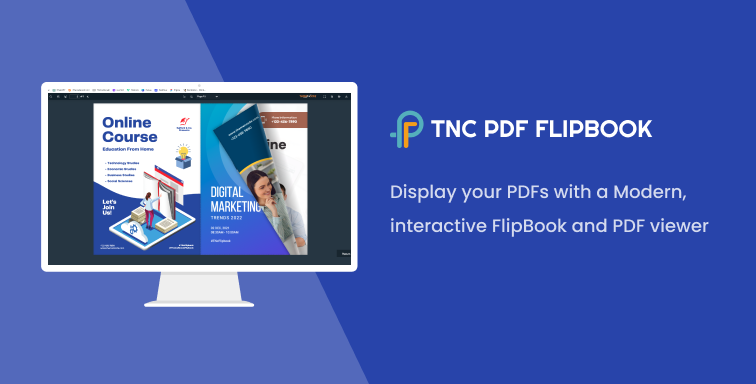
Finally, you can use cloud storage like “PDF FlipBook” for any website. This is easy to share and good for big files.

So, which option is best? If you have a small catalog, a simple download link on your website is fine. If you want a better experience on your website, embed the PDF or use a flipbook. If you want to impress people with a beautiful presentation, use a flipbook. And if your catalog is huge, a download link or cloud storage is the best choice.
Why Present Your PDF Product Catalog With These Platforms?
TNC FlipBook, TNC PDF Flipbook, and PDF FlipBook contain the same features and functionality but for different platforms. Do your research and compare it with others to get the best solution. Let’s explore some advantages of using these platforms.
- Perfect Content Presentation
- Device-Friendly
- More Engaging
- Better Branding
- Marketing Benefits
- Improve SEO
- Cost-Effective
- Social Sharing
- More Sales
Promote Your PDF Product Catalog
Now that you have a great PDF catalog, tell people about it. Put the catalog in easy-to-find places on your website. Feature it on your homepage so visitors see it right away. Include it on relevant product pages so people can learn more. Also, add it to a resources or downloads section if you have one. This makes it easy for people to find it later.
Share your catalog on social media. Post about it on Facebook, Twitter, Instagram, and other platforms you use. Send an email to your subscribers and include a link to the catalog. If you have any printed materials like brochures or flyers, add a QR code that people can scan with their phones to access the online catalog. This connects your offline and online marketing.
Conclusion
A well-presented PDF catalog improves the online experience for your customers. These tips on this blog will help people find and use your catalog easily and display your products effectively. For a good website experience you need to focus on easy downloads, mobile-friendly viewing and embedding.
Apart from this, you need to ensure accessibility, promote your catalog online and track its performance. These actions turn your PDF from a simple document into a valuable business tool that helps your business grow.
Apart from this, If you want to read more blogs, visit here.





0 Comments