

Your restaurant menu is the best marketing tool for your website. A well-designed menu presentation highlights the dining experience and influences visitors to visit your restaurant. A clean, attractive website menu showcases your offerings and earns more orders. It’s working for you even if your restaurant is closed. This is the key to converting online visitors into actual orders.
You can make your online menu into a mouth-watering experience with creativity. Whether you are updating your menu or running a special promotion, presenting it on your website is the ideal solution. A poorly designed menu can be confusing and lose potential customers. If you present your menu perfectly on your website, you can attract more visitors, increase your brand recognition and get more traffic.
In this blog, I will explore some of the quick steps needed to design an effective online menu for your restaurant website. Let’s dive into the details.
Table of Contents
- 1 Basic Ideas For Creating a Perfect Restaurant Menu
- 2 How to Quickly Create a Restaurant Menu?
- 3 Best PDF & Flipbook Maker Tool For Your Restaurant Website
- 4 Why Do You Choose These Tools For Your Restaurant Website?
- 5 Why is The Menu Important For Your Restaurant Website?
- 6 Does Your Restaurant Really Need a Website?
- 7 Conclusion
Basic Ideas For Creating a Perfect Restaurant Menu
Creating a restaurant menu is an experience that reflects your brand and attracts more customers online. So let’s learn how to create a perfect restaurant menu.

- Know Your Concept: Define your target audience, cuisine, and restaurant style.
- Plan Your Menu Structure: Use logical categories and strategically place items.
- Choose Dishes Wisely: Balance popular and unique items, consider costs and kitchen capabilities, and offer diverse options.
- Write informative Descriptions: Use descriptive language and properly highlight ingredients.
- Price Strategically: Calculate food costs, research competitors, and consider value perception.
- Design for Readability: Use your branding, choose clear fonts and use whitespace effectively.
- Choose Right Format: Decide between physical, online, digital, or QR code menus.
- Test & Refine: Get feedback and track sales to make adjustments.
- Update regularly: Update your menu with seasonal changes and new items.
How to Quickly Create a Restaurant Menu?
If you want to create a menu smartly and quickly then go for PDF or Flipbook. To create a restaurant menu PDF, first plan the content of your menu. You need to structure it logically, choose economical meals with various options, write informative descriptions, and set prices strategically. You can use any of the pre-made restaurant menu templates to quickly create your own.

Use software like Adobe InDesign, Microsoft Publisher, or Canva to design your menu. Design your menu with a clean layout, readable fonts, and attractive images to match your brand. After completing the design save it as a PDF. When creating a restaurant menu you need to minimize the file size, add good-quality images, and consider accessibility.
After creating your restaurant menu PDF you can embed it directly on your website or create a beautiful flipbook with it. Flipbook is the best way to present a restaurant menu perfectly. There are many flipbook creation tools available for various platforms. Choose the best one that is suitable for your website.
Best PDF & Flipbook Maker Tool For Your Restaurant Website
Choosing the right platform to showcase your restaurant menu is important. You can put it directly on your website as a download or embed the menu PDF on your website as a flipbook so people can flip through it like a digital book. Nowadays most restaurant owners prefer to display their menus using WordPress websites. For them “TNC Flipbook – PDF Viewer for WordPress” is the best PDF reader and flipbook plugin for WordPress websites.

If you want to learn more about this WordPress plugin, please visit here.
Apart from this, if you want to display your restaurant menu on any kind of website, you will find many online platforms to do so. You will find several options for displaying PDFs or flipbooks on your website, each with different levels of integration and user experience. We have done a lot of research and found that “PDF FlipBook” is the perfect online PDF and Flipbook solution for any website.

If you want to learn more about PDF FlipBook, please visit here.
Why Do You Choose These Tools For Your Restaurant Website?
- Fully Customizable
- Automatic Conversion From PDF Viewer to FlipBook
- 100+ Viewer Language
- No Coding
- Lots of toolbar options
- Responsive PDF Viewer & FlipBook Plugin
- Compatibility
- Lifetime Update
- No limitations (file size or pages)
- LTR and RTL Mode
- Special PDFs (password-protected)
- User-friendly Documentation
- Customer Support
Why is The Menu Important For Your Restaurant Website?
A menu is important to your restaurant website because it’s the primary reason people visit it. Let’s explore why:
First Impression: Your menu is often the first thing potential customers look for. It meets their expectations and influences their decision to eat at your restaurant.
Showcases your food: It showcases what you serve by highlighting your specialties and unique dishes.
Makes ordering easy: Menu design, description, and pricing express your restaurant’s style and price range.
Enables online orders: If you offer online ordering, your menu is essential for customers to place orders.
Helps people find you: Including your menu content on your website can improve your search engine ranking. It makes it easier for potential customers to find you.
Saves time: It provides all your restaurant information. So it reduces your phone calls and searches.
Does Your Restaurant Really Need a Website?
A website is no longer optional in this smart world. It is essential to attract more customers to your restaurant business. People search for restaurants online, browse menus, and even order quickly. Without a website, you are missing out on a huge potential business. Branding and credibility are essential for success in the restaurant business. Does your restaurant need a website? And the answer is yes.
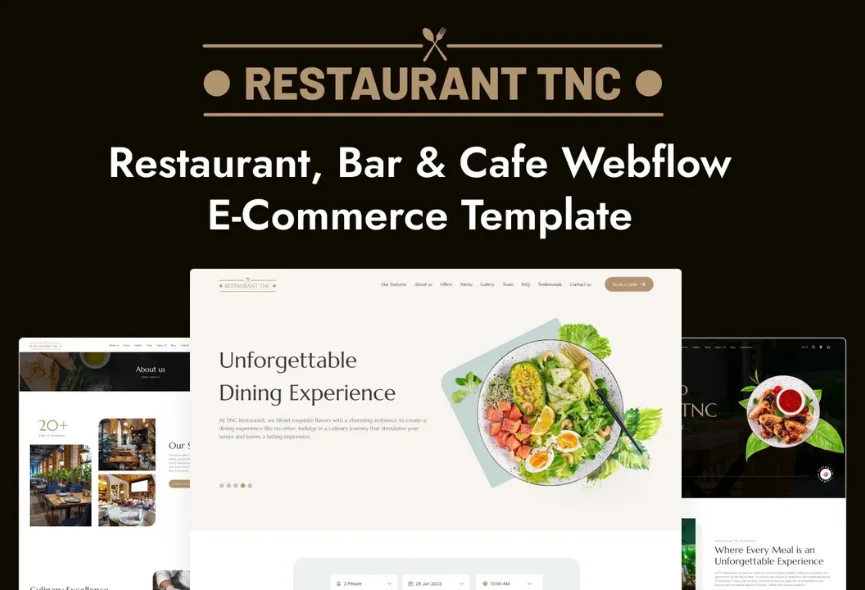
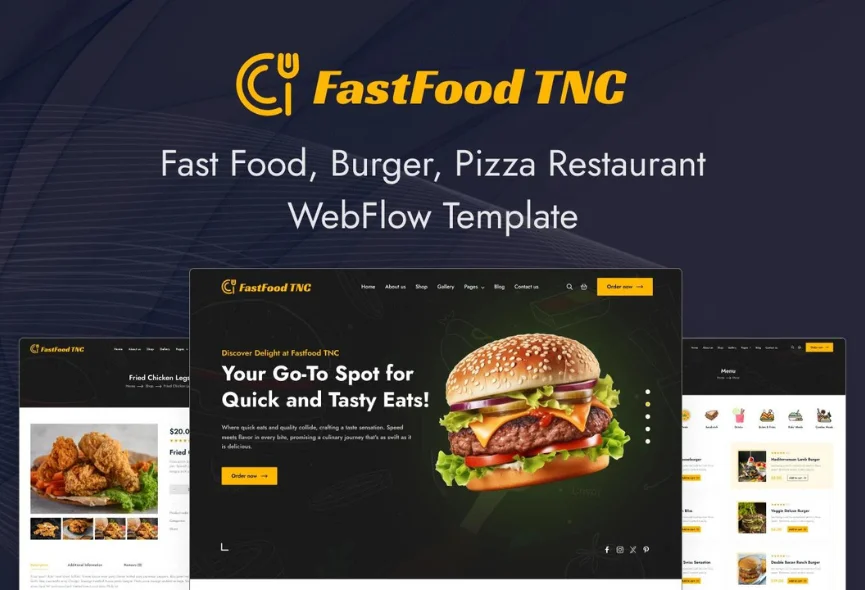
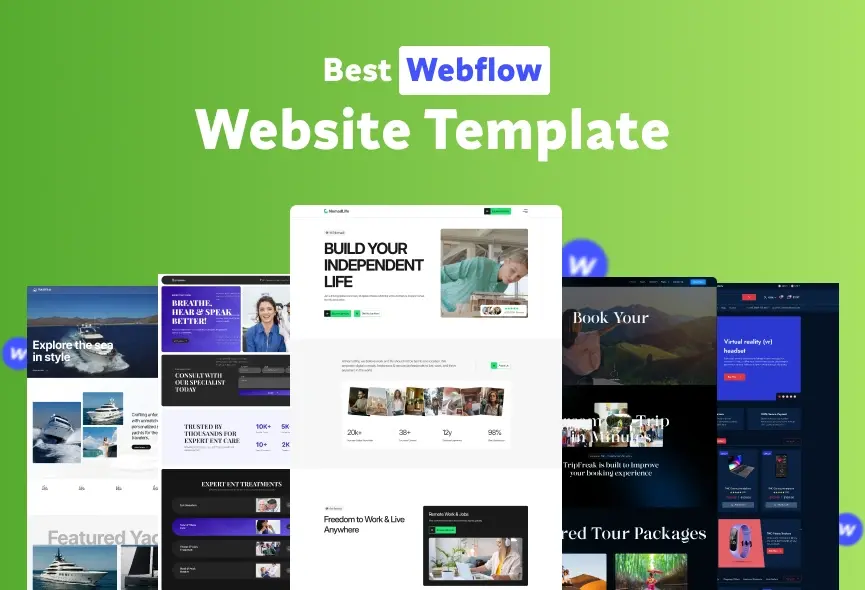
So if you don’t have a website for your restaurant, we have a good solution for you too. You can use Webflow templates to create your restaurant website. You will find many templates that are very professional for restaurant websites. We have done a lot of research and found many useful restaurant website templates. Let’s look at some templates that you might like.
Restaurant TNC
Buy Now | Live Preview | Watch on YouTube
Cafeteria TNC

Buy Now | Live Preview | Watch on YouTube
FastFood TNC
Buy Now | Live Preview | Watch on YouTube
Burgers TNC

Buy Now | Live Preview | Watch on YouTube
Apart from this, if you want custom templates for your restaurant website, a custom WordPress theme, or any other CMS solution, click here.
Conclusion
A good online menu is not just a food list but a way to get more customers. Creating an accessible restaurant menu means a user-friendly online environment. It highlights your restaurant’s quality and user experience for everyone. In this article, I have mentioned the best PDF viewer and flipbook solutions for various platforms to present your restaurant menu. I hope this helps you find the best solution.
Now you know how to attract people to your restaurant website menu. A perfect menu also helps people find your restaurant online. Use these tips to make a perfect menu for your restaurant website. This brings in more customers, online orders, and more success for your restaurant.
Apart from this, If you want to read more blogs, visit here.



0 Comments