

BookShelf Demo Style
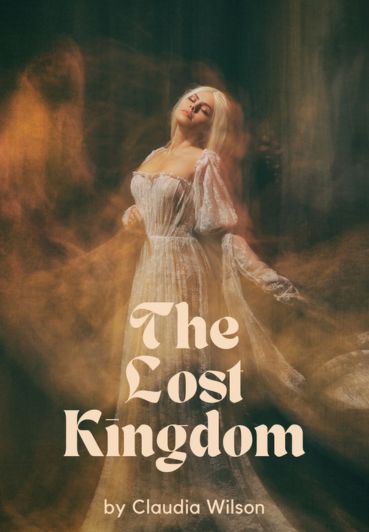











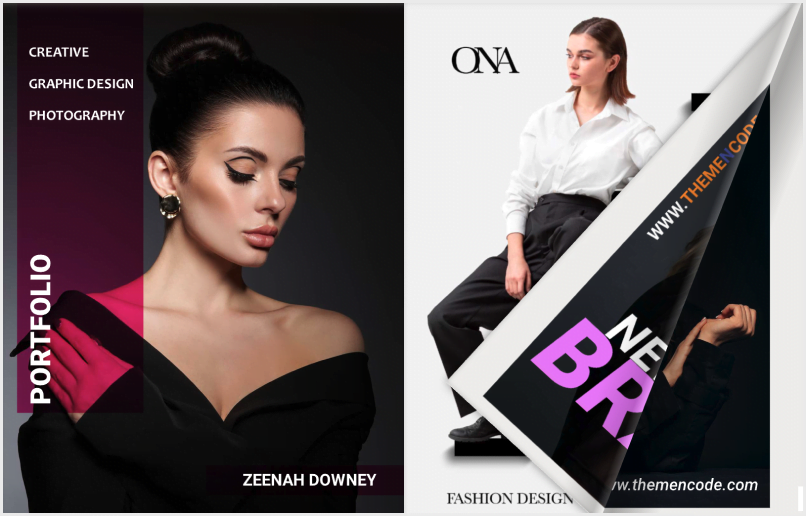
Show an image linked to a PDF viewer or FlipBook. You can change the image’s height and width and add a CSS class for custom styling.
Open the demo viewerCreate a text link to a PDF viewer or FlipBook. Enter the text, select the viewer, and the link is created.
This is a demo linkPair this addon with Display: TNC FlipBook Addon to show your PDF viewers on a bookshelf, or as grid and list archives.
This addon generates a second PDF viewer from any number of pages of the original. You can then restrict the full viewer to specific users, user roles, WooCommerce product buyers or Paid Memberships Pro levels. Permitted visitors see the full viewer; everyone else sees the partial one.

Get insightful contents, problem-solving tips, and all the updates right at your doorstep!

Get insightful contents, problem-solving tips, and all the updates right at your doorstep!